Google Calendar
- Select Google Calendar from POS list in POS settings
- Select "For scheduling"
- Connect to Google calendar account
- Select existing or create new calendar to synch the appointment with
- Select Google Calendar in POS settings under General Setting for each location
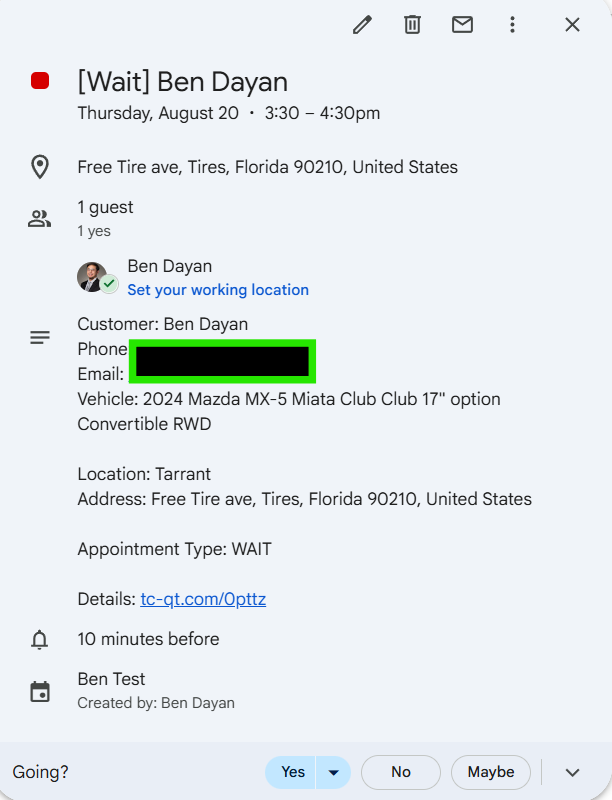
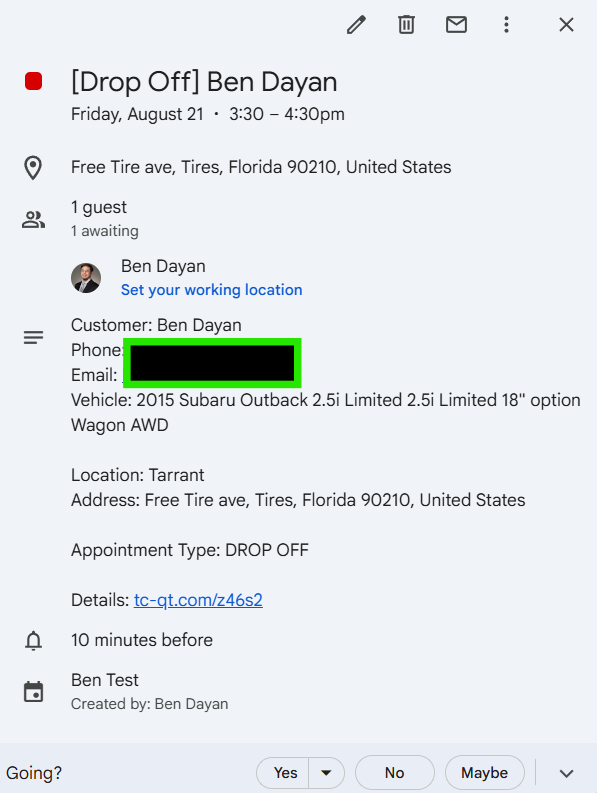
Examples of appointments pushed from TireConnect into Google Calendar: